
Table of contents
As we wrote in a previous article, we’ve decided to put ourselves in the shoes of a photographer who wants to buy a colour inkjet printer.
To carry out our study, we chose to focus on the two leading brands on the market, Canon and Epson. Suffice to say, our choice between these two brands was not an easy one. In fact, we changed our minds several times. After studying all the parameters of these machines in detail, we held discussions with users to benefit from their feedback, and then talked at length with the experts at Lord Photo. Now we’d like to share our thoughts with you.
The machines we present here are capable of producing professional-quality images for the following reasons:
- On the one hand, they use pigment inks that will allow your work to last hundreds of years instead of just a few months with dye-based inks;
- On the other hand, they use 10 and 12 different colours respectively to cover a really broad spectrum, producing more saturated colours, deeper blacks and more nuanced greys.
Each manufacturer offers A3+ and A2 format machines. It’s up to you to decide which model best suits your needs and budget:
- For Epson, these are the SC-P700 (A3+) and SC-P900 (A2) respectively;
- For Canon ImagePROGRAPH Pro-300 (A3+) and Pro-1000 (A2).
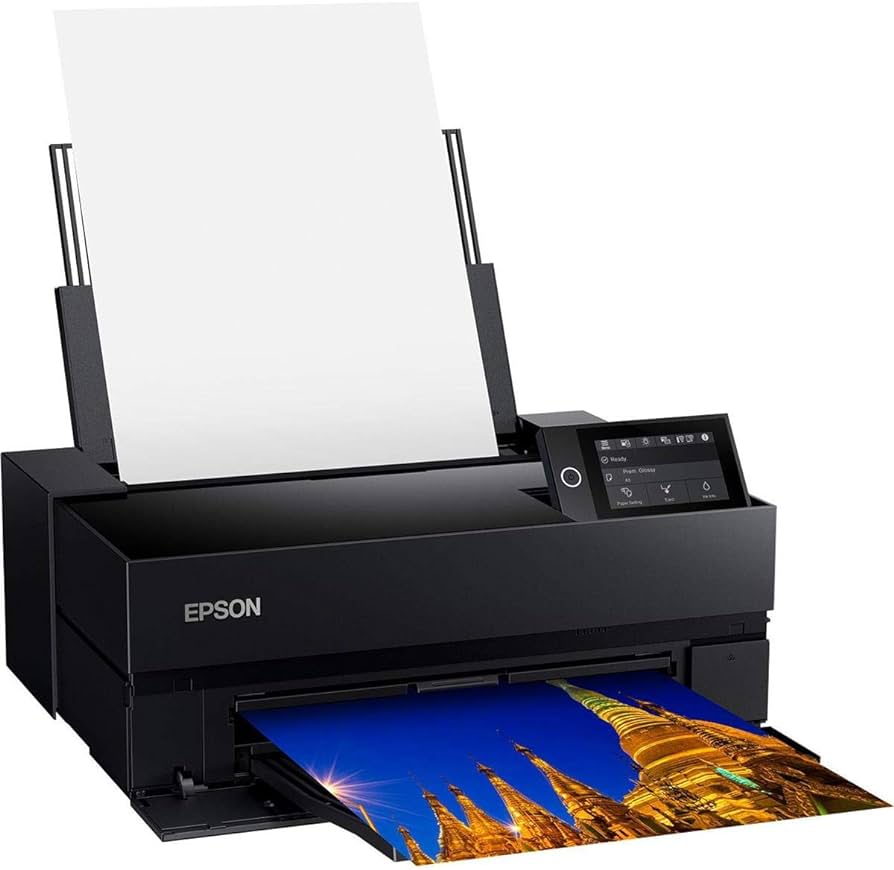
Epson
SureColor SC-P700
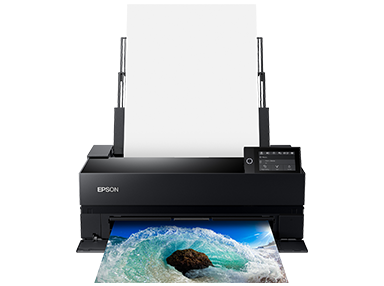
Epson
SureColor SC-P900
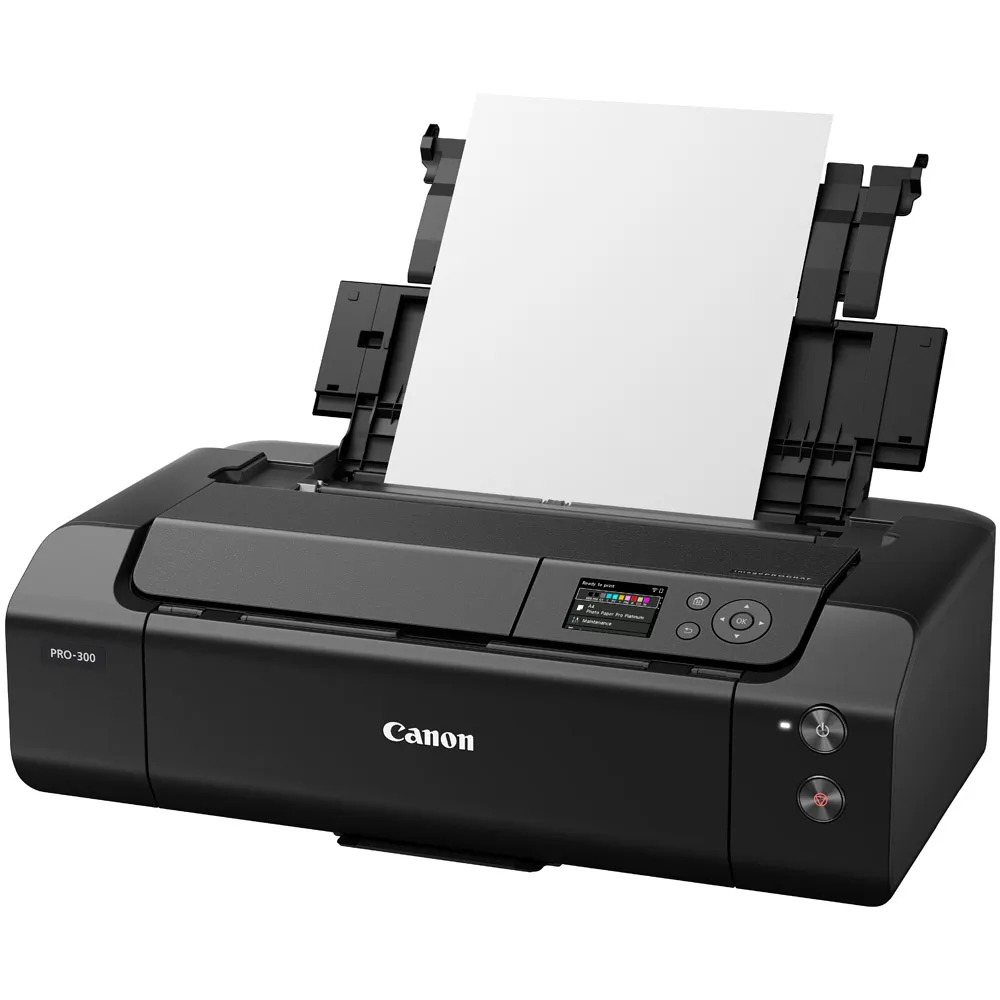
Canon
ImagePROGRAPH Pro-300
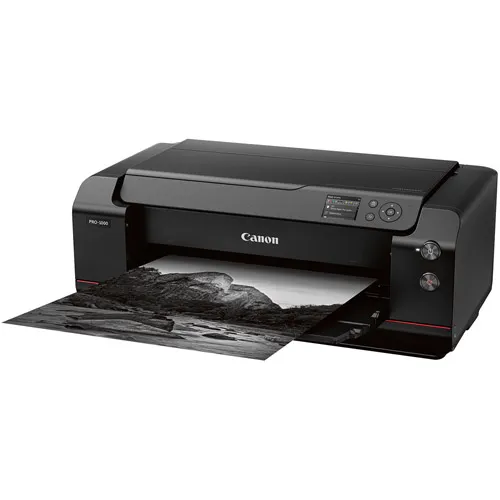
Canon
ImagePROGRAPH Pro-1000
Introduction to Epson inkjet printers
The Epson SC-P700 and SC-P900 printers both use the same technology with inks from the Ultrachrome HD range. Compared with the previous-generation presses, you get a 10% higher D-max* with a value of 2.86 on glossy paper, which is really excellent.
*D-max (or maximum of optical density): refers to the deepest black which can be measured after printing. The D max on a given product can vary from many parameters : impression mode, type of printer, ink technology, etc.
Thanks to a new violet ink, the gamut has also increased by 6%. Epson now guarantees the reproduction of 99% of Pantone colours. Who can beat that?
This equipment also uses two blacks:
- Photo black for glossy or baryta papers (coated papers, the ink does not penetrate the paper);
- And matt black for uncoated matt papers, which absorb some of the ink.

Source : LDLC
Finally, it’s worth noting that with this new generation of presses, you no longer need to purge the black when switching from coated paper to matt paper, which is simpler, quicker and more economical. Another innovation from Epson is that you no longer need to choose the type of black on the machine’s control menu, as the paper profile will determine it for you.
If you add to this the ability to print in panoramic format and the capacity of these machines to produce black and white on matte paper with a rendering close to film, you can understand that at this stage we felt fairly certain that our choice would be more towards Epson.
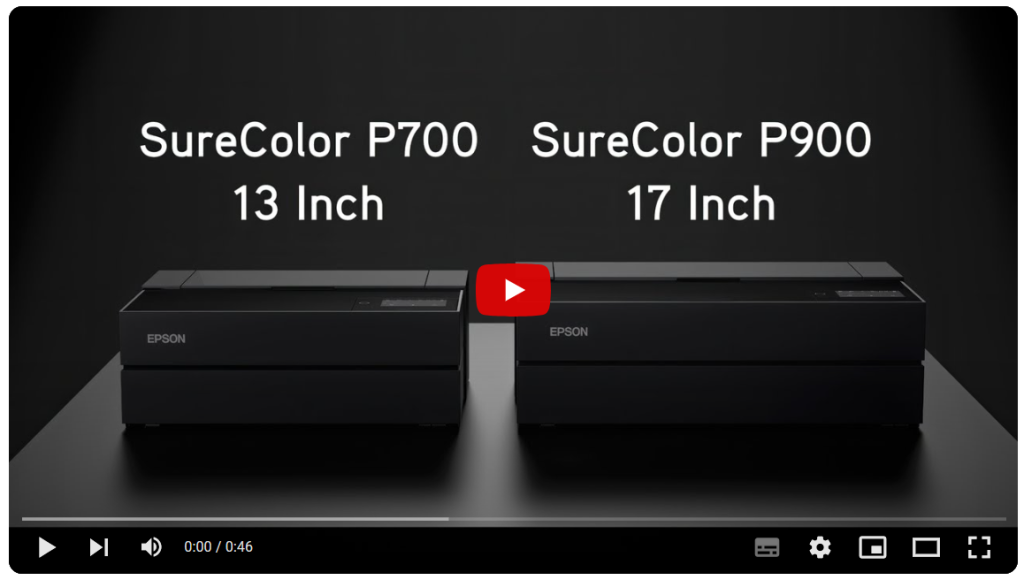
You can watch this short video from the manufacturer to get a first idea.
And to take things a step further, you can read a comparison table further down in this article, which, without being exhaustive, will give you the essential information you need to make your choice.
Canon inkjet printers overview
Let’s face it, the Canon printers (Canon ImagePROGRAPH Pro-1000 & ImagePROGRAPH Pro-300) are particularly attractive.
First of all, their price is more attractive than Epson’s.
Another big advantage is that you don’t necessarily need to calibrate the printer to get excellent results, which also means you can make do with an X-Rite i1Diplay Pro Spectro instead of a Color Checker Studio, with an additional saving of almost $400 all the same.
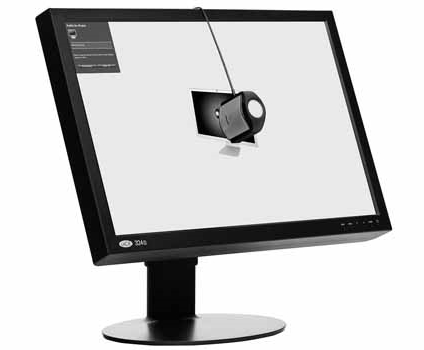
Source : X-rite
Technically, the offering is of a very high standard :
- The gamut is slightly larger than that of Epson machines, with particularly remarkable results in the darker tones;
- While Epson prints B&W better on matt paper, Canon produces the best B&W results on glossy and barbed paper;
- The use of Optimizer transparent ink avoids gloss differences in areas where there is no ink;
- The printhead can be changed for a reasonable price;
- The build quality seems to be better, and this is really reflected in the weight.
Options comparison table
Here’s a comparison table to give you some food for thought.
| Epson SC-P700 | Epson SC-P900 | Canon ImagePROGRAPH Pro-300 | Canon ImagePROGRAPH Pro-1000 | |
|---|---|---|---|---|
|
Maximum format |
A3+
(12.95” x 19.02” or 329 x 483 mm) |
A2
(16.5″ x 23.4″ or 420 x 594 mm) |
A3+
(12.95” x 19.02” or 329 x 483 mm) |
A2
(16.5″ x 23.4″ or 420 x 594 mm) |
|
Resolution |
2880 x 1440 DPI |
5760 X 1440 DPI |
4800 X 2400 DPI |
2400 X 1200 DPI |
|
Centring in paper |
Excellent |
Excellent |
Must be adjusted when printing |
Must be adjusted when printing |
|
Inks |
Ultrachrome Pro10 |
Ultrachrome Pro10 |
ChromaOptimizer 9 colours + Optimizer to fill in the whites |
ChromaOptimizer 11 colours + Optimizer to fill in the whites
2 more colours than the Pro-300: photo magenta and dark blue |
|
Number of blacks |
2: 1 for matt and 1 for gloss |
2: 1 for matt and 1 for gloss |
2: 1 MBK for matte and 1 PBK for gloss and barite |
2: 1 MBK for matte and 1 PBK for gloss and barite |
|
Greys |
2 |
2 |
2 |
2 |
|
D-max |
2.86 on matt paper and 3 on glossy paper
Technology : Carbon Black Driver |
2.86 on matt paper and 3 on glossy paper
Technology : Carbon Black Driver |
| Epson SC-P700 | Epson SC-P900 | Canon ImagePROGRAPH Pro-300 | Canon ImagePROGRAPH Pro-1000 | |
|---|---|---|---|---|
|
Cartridge capacity |
50 ml |
50 ml |
80 ml |
80 ml |
|
B&W quality |
More neutral, depth on matt paper, silver finish |
More neutral, depth on matt paper, silver finish |
Excellent on gloss or baryte, better than the Epson for gradations |
Excellent on gloss or baryte, better than the Epson for gradations |
|
Cartridge price |
$65, i.e. $1.30/ml |
$65, i.e. $1.30/ml |
Average of $108, i.e. $1.35/ml |
Average of $108, i.e. $1.35/ml |
|
Number of loads |
3 including 1 roll (optional support) + CD |
3 including 1 roll (optional support) + CD |
2 |
2 |
|
Roller |
Yes, without stand |
Yes |
No |
No |
|
Maximum grammage |
Thickness: 1.5 mm |
Thickness: 1.5 mm |
380 gsm |
Thickness: 1.5 mm |
|
Prints lifespan |
200 years in colour and 400 in B&W |
200 years in colour and 400 in B&W |
Not specified |
Not specified |
| Epson SC-P700 | Epson SC-P900 | Canon ImagePROGRAPH Pro-300 | Canon ImagePROGRAPH Pro-1000 | |
|---|---|---|---|---|
|
Calibration |
To do |
To do |
Possibility of a generic profile |
Possibility of a generic profile |
|
Speed |
A3 in 2’23’’ |
A2 in 2’23’’ |
A3 in 2’50’’ |
A2 in 4’10’’ |
|
Other |
No transparent ink for whites |
No transparent ink for whites |
Superior manufacturing quality |
Superior manufacturing quality |
|
Connectivity |
Wifi, USB 2.0, Ethernet |
Wifi, USB 2.0, Ethernet |
Wifi, USB 2.0, Ethernet |
Wifi, USB 2.0, Ethernet |
|
Dimensions |
51.5 x 37 x 18.5 cm |
68 x 37.5 x 25 cm |
64 x 38 x 20 cm |
72.5 x 43.5 x 28.5 cm |
|
The big + |
Depth of black on matt paper |
Depth of black on matt paper |
No calibration required to obtain the best quality |
No calibration required to obtain the best quality |
|
The big – |
Its plastic aspect vs its price |
Its plastic aspect vs its price |
No roll printing for panoramic prints
Lower quality on matt paper |
No roll printing for panoramic prints
Lower quality on matt paper |
|
Weight |
27.8 lbs |
43.2 lbs |
30.9 lbs |
70.5 lbs |
|
Price |
$1,095 |
$1,675 |
$1,050 |
$1,400 |
The prices indicated are purely indicative. They may change according to price increases decided by suppliers and their resellers. But beware of cheap generic inks. The savings may be attractive, but the quality may not.
Don’t get hung up on DPI either, because that’s pure marketing on the part of the manufacturers. It’s not the highest resolution that will give the best results. To the naked eye, you won’t see any difference.
It was a tough choice!
Each brand presents convincing arguments. Firstly, we were disappointed that Canon did not offer the panoramic print option. This could be a deal-breaker for some photographers.
The advantage then shifted back to Canon, for the following reasons:
- You don’t necessarily need calibration to produce quality images;
- Optimizer transparent ink avoids differences in reflection on white areas, which is a plus on glossy coated papers;
- The printhead is interchangeable;
- The price is more attractive, especially the Pro-1000 (A2 format), and if you think, quite rightly, that you don’t need to calibrate the printer, you will save almost $700 on this press;
- Its construction seems much more robust (28 lbs more on the scales!).

Price competitiveness
Canon wins!
Manufacturing quality
Canon wins!
Panoramic printing
Epson wins!
B&W rendering on matt paper
Epson wins!
In the end, after discussions with the experts at Lord Photo, we opted for Canon for a reason that was not part of our study: after-sales service. And on this point, it seems that Canon wins hands down.

Our experience in the printing industry has taught us that machines do break down, and in these situations the quality of technical support is crucial if you want to continue producing.
By the way, which format should you choose?
The A3+ format is sufficient for most hobbyists, as you can already produce 13 x 19″ formats.
If, on the other hand, you are planning to produce prints to sell, you may need to consider the A2 format.
Conclusion
At the time of writing, we are in the process of confirming our order for a Canon ImagePROGRAPH Pro-1000 press. We can’t wait to get down to business. And with Lord Photo, we’ll be able to cross-fertilise our experiences, as they’re already using this Canon press. This additional advantage only reinforces the validity of our choice.
We hope this little comparative study has given you some food for thought. And if you have a choice that differs from ours, don’t hesitate to tell us about it, which will certainly fuel our thinking and enrich the community with interesting debates.


